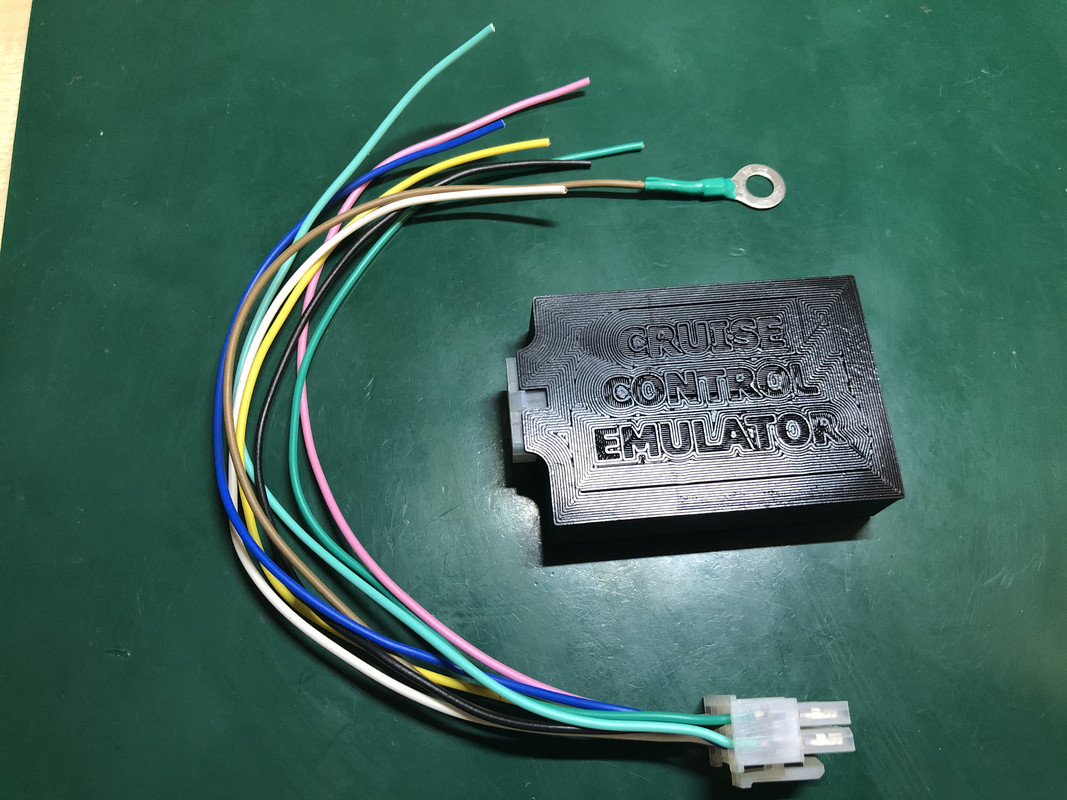
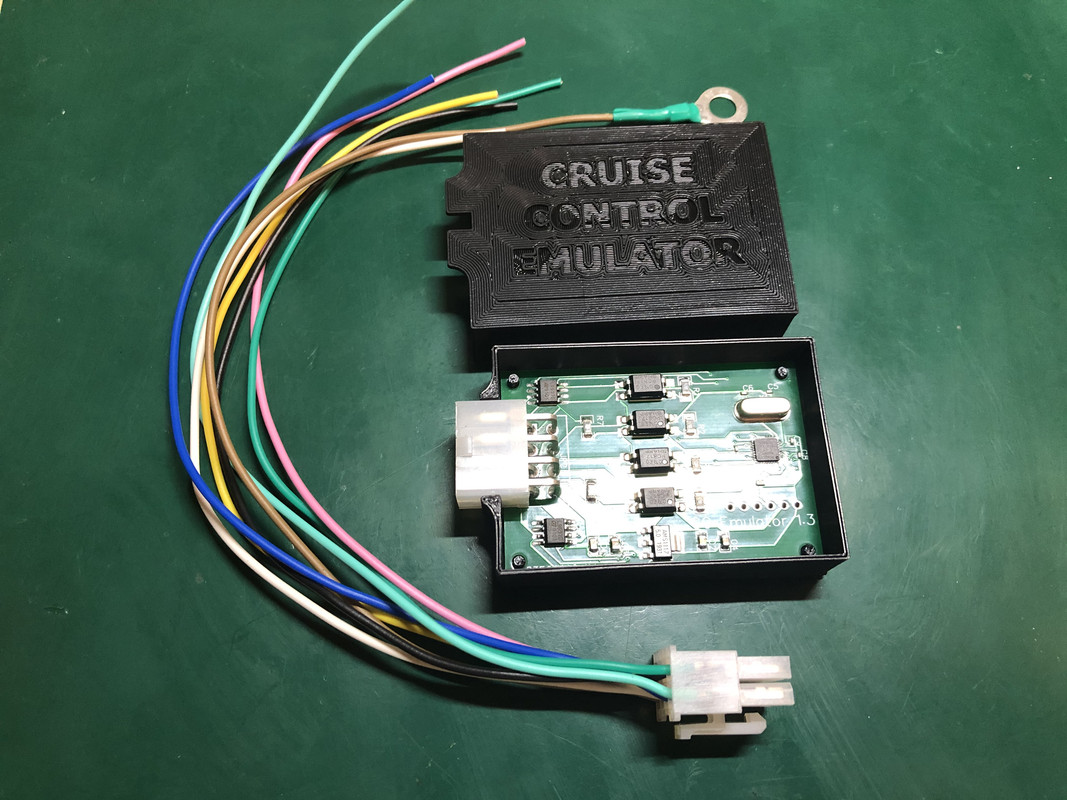
Recently we have developed one useful device - Cruise Control Emulator
With this device, you can use Cruise Control buttons on MFSW.
It could be installed on any PQ25 car: VW Polo 6R, VW T5, VW T6, VW Up.
It could be installed even on PQ25 Skoda but you need to use the VW steering wheel.
Installation is pretty easy, you just need to connect CC Emulator wires to existing Cruise Control wires from T41 connector.
No coding needed!
Hello, I am joining from Türkiye. I have a factory cruise control in my car, the signal lever is ccs, what is needed to operate it from the steering wheel and how can I get it? I have an R line steering wheel, 1K8 959 442 keypad is available, bcm 7h0 937 090d, thank you.
Re: Cruise Control Emulator
Posted: Sun Apr 19, 2026 6:25 pm
by Screw_Diver
Hello and good day,
is it possible to order your emulator after such a long time?
Kind regards
Re: Cruise Control Emulator
Posted: Sun Apr 19, 2026 6:48 pm
by ciclo
At the end of this video, you'll find the email address to contact 'Slavik'.
You're very likely to get a faster response. Otherwise, I will provide you with another way to contact him.
Slavik's CCE = 100% recommended.
Re: Cruise Control Emulator
Posted: Mon Apr 20, 2026 4:17 pm
by Screw_Diver
@ ciclo
Functions that adjust in 10 km/h increments? 10 km/h for the PQ25 via mfsw ?
Re: Cruise Control Emulator
Posted: Mon Apr 20, 2026 6:00 pm
by ciclo
Yes, for PQ25.
With the + and - buttons, you can increase or decrease the speed by 10 km/h.
It doesn't matter if the buttons are haptic or standard.
It's like a rocket button, three presses = +30km/h, and so on.
Once you've set the speed, you can also increase or decrease it by +/- 1 km/h using RES or SET.
Re: Cruise Control Emulator
Posted: Tue Apr 21, 2026 12:42 pm
by Screw_Diver
still no answer?
and on this Plattform is impossible sent PM We are sorry, but you are not authorised to use this feature. You may have just registered here and may need to participate more in discussions to be able to use this feature.
Re: Cruise Control Emulator
Posted: Tue Apr 21, 2026 1:08 pm
by ciclo
Yes, you need at least 10 posts on the forum to send private messages.
Slavik is a very, very busy man.
Check your inbox, I'll give you another way to contact him.
Re: Cruise Control Emulator
Posted: Tue Apr 21, 2026 1:49 pm
by Screw_Diver
Thanx ciclo
i got your PM
but i can no answer there , strange ...
my very very best greetings !
Re: Cruise Control Emulator
Posted: Tue Apr 21, 2026 5:22 pm
by Screw_Diver
Hello Ciclo
do you happen to have a steering column switch with cruise control lying around? OE 6r0953521C
I need the number printed on the 6-pin male connector. or photo The small wiring harness goes to the lever with the cruise control switch.
This will save me a lot of time disconnecting the wires on the T41.
31, 30, 29, 28, 27, 26
Re: Cruise Control Emulator
Posted: Tue Apr 21, 2026 7:43 pm
by ciclo
I don't have that specific image.
I never actually modified the combination switch levers.
What are you trying to do?
Installing or removing T41 wires is very easy if you know how.
Re: Cruise Control Emulator
Posted: Wed Apr 22, 2026 7:58 am
by Screw_Diver
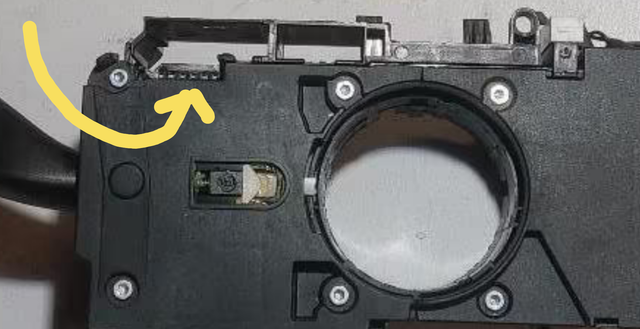
The steering column switches from VAG, Skoda, Seat , starting with a certain OE number, are all built the same. This means the stalks for cruise control, multifunction display, with and without rear wiper are interchangeable. The cruise control stalk is simply plugged in, just like the stalk for the multifunction display.
The flat connector goes into the empty slot for the cruise control stalk. This makes reverting to the original configuration easier.
The T41/10 LIN cable only needs to be disconnected once and looped through.
 Information about price is in the Sale section viewtopic.php?f=62&t=74495