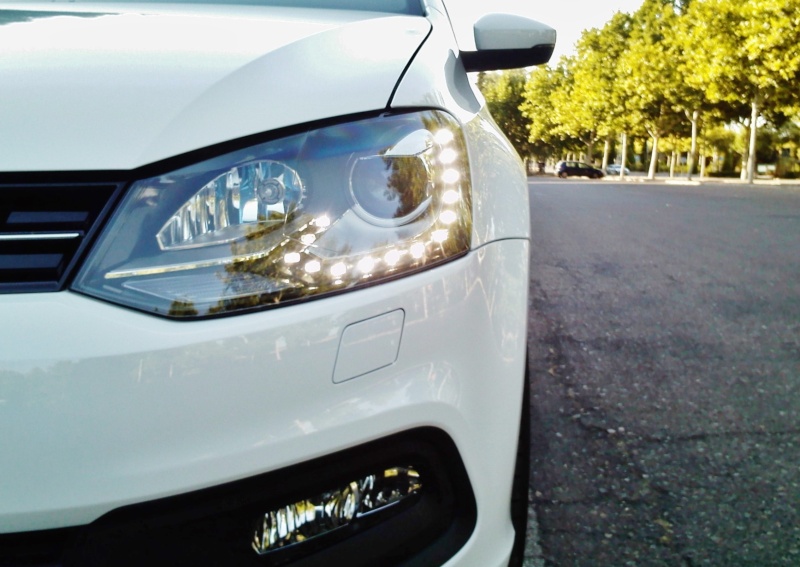
Long press on either of the two TRIP buttons. Your new Instrument Cluster will display the menus.
---
Your 6R, from the factory, already has the two possible electrical installations to handle the menus, from the right stalk, as from the MFSW if you install the new buttons on the right side.
Note: It will not work properly with both types of buttons installed at the same time (trip buttons on stalk and mfsw buttons on right side).
---
If you install the new buttons on the right side (super easy) you have to change the coding in:
Subsystem 6 - Part No SW: 5K0 959 542 HW: 5K0 959 542
Component: E221__MFL-TAS H05 0010
Serial number: 0048250
Coding: 020000 (
new coding 820000)
EXAMPLE

You must change the stalks in this case.
viewtopic.php?f=56&t=58703&start=1080#p496280
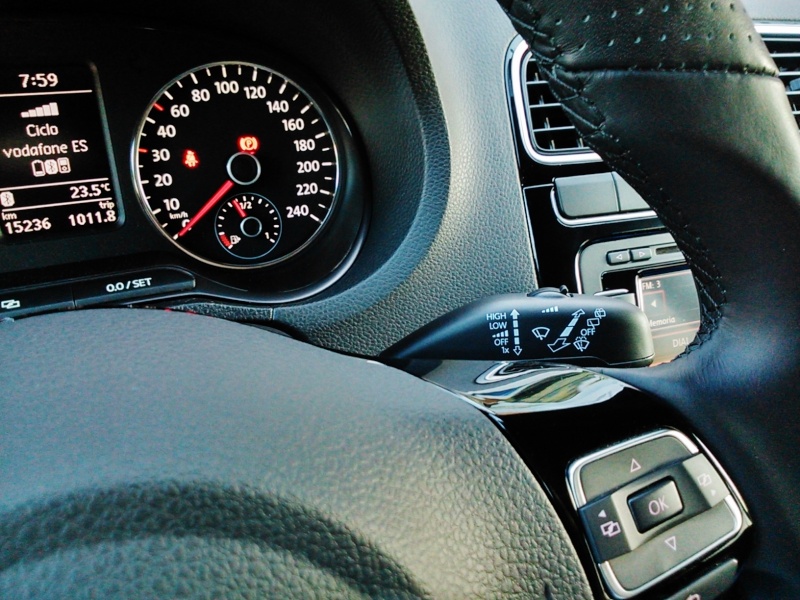
You should look for the correct part reference number for your 6R 2010. They are not the same as you see in the previous link.
Search here:
viewtopic.php?f=10&t=42713&p=466570#p466570